
The vendor withdrawal module can be enabled in MarketKing -> Modules, and it allows your vendors to get paid by making withdrawal requests.
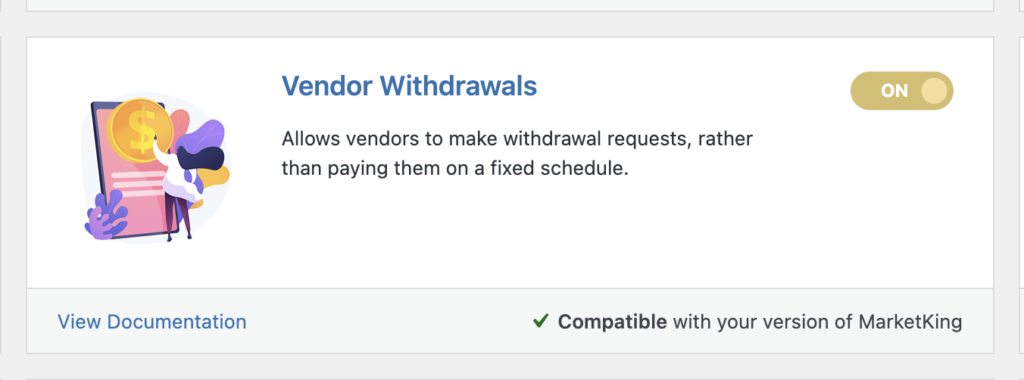
Whether this module should be enabled depends on your business model. Some businesses prefer paying their vendors on a fixed schedule (e.g. at the beginning or 15th of each month), while others prefer to use withdrawals.
After enabling this module, you will find an additional setting for the minimum withdrawal threshold under MarketKing -> Settings -> Payouts:
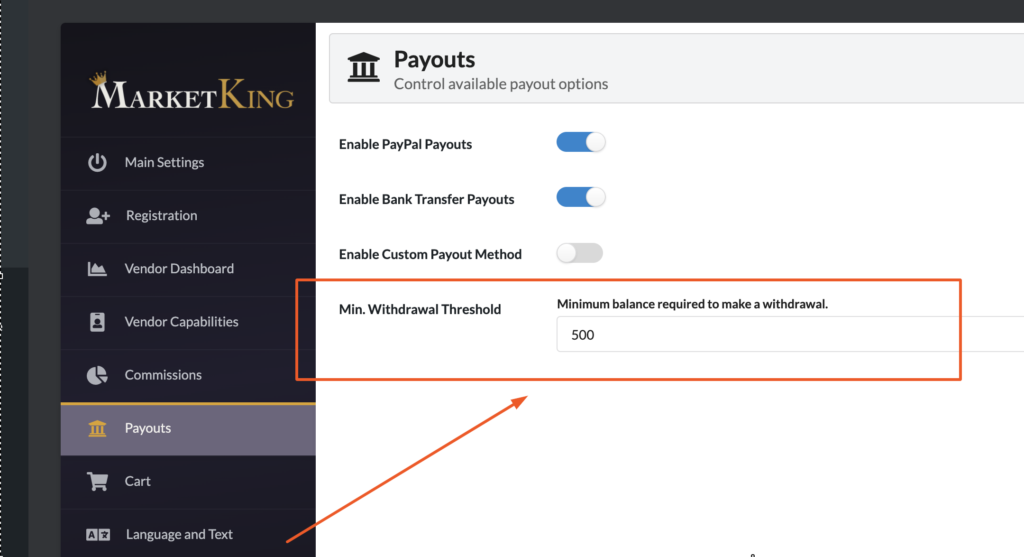
This represents the minimum balance required for vendors to be able to make a withdrawal request.
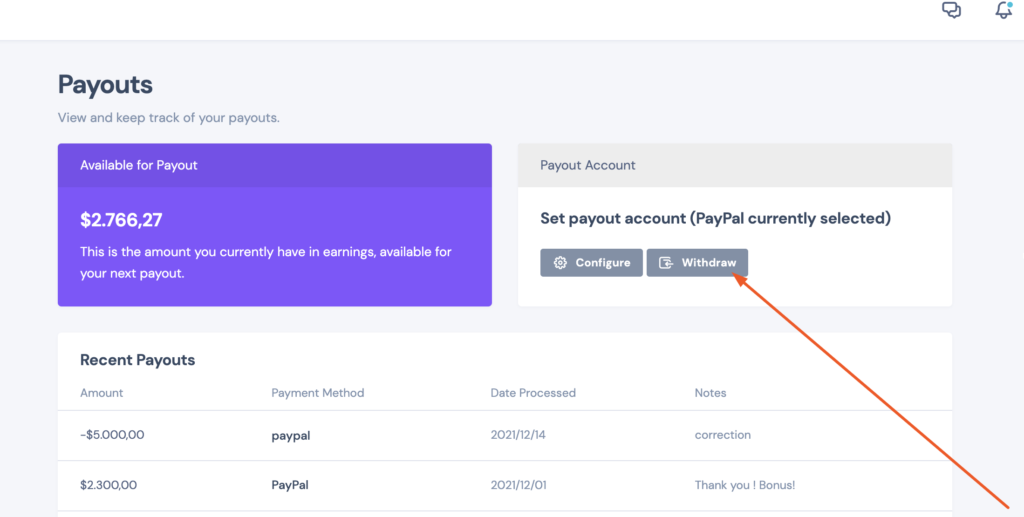
Vendors will get a new "Withdraw" button in their vendor dashboard -> Payouts panel:
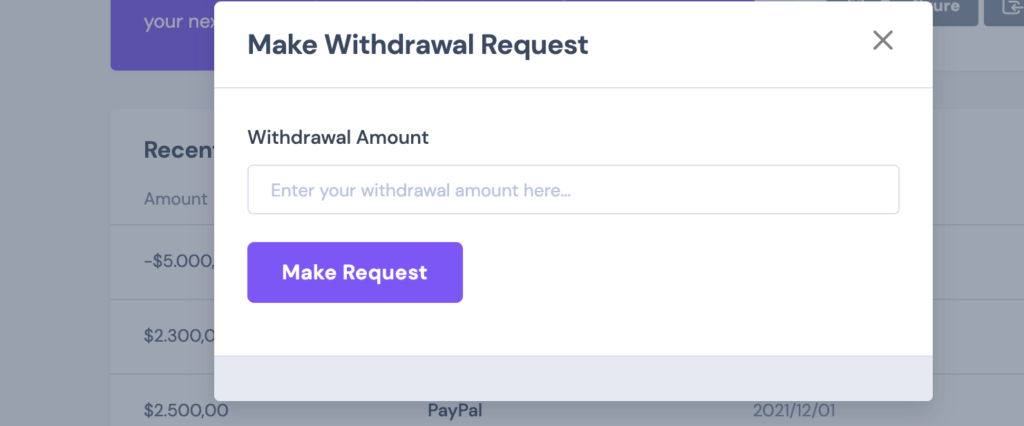
When this button is clicked, a withdrawal modal pops up:
In the backend, the admin or shop manager can view these requests in the Payouts panel:
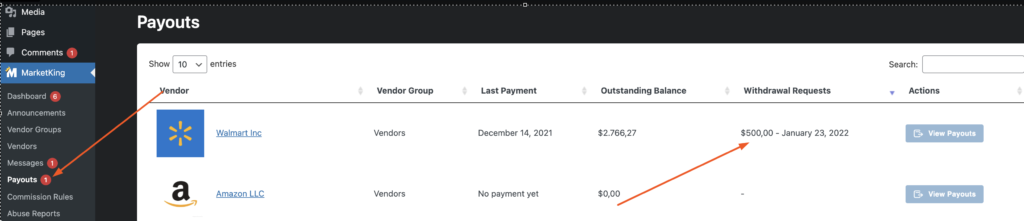
As visible in the image above, there is a notification in the menu. In the payouts table, a new column for withdrawal requests shows the requested value and the date of the request (e.g. $500 - January 23, 2022).