
MarketKing allows you to require manual approval for all changes made by vendors to products on your marketplace. If you enable this, whenever a vendor changes a product, you will need to approve it before the changes go live.
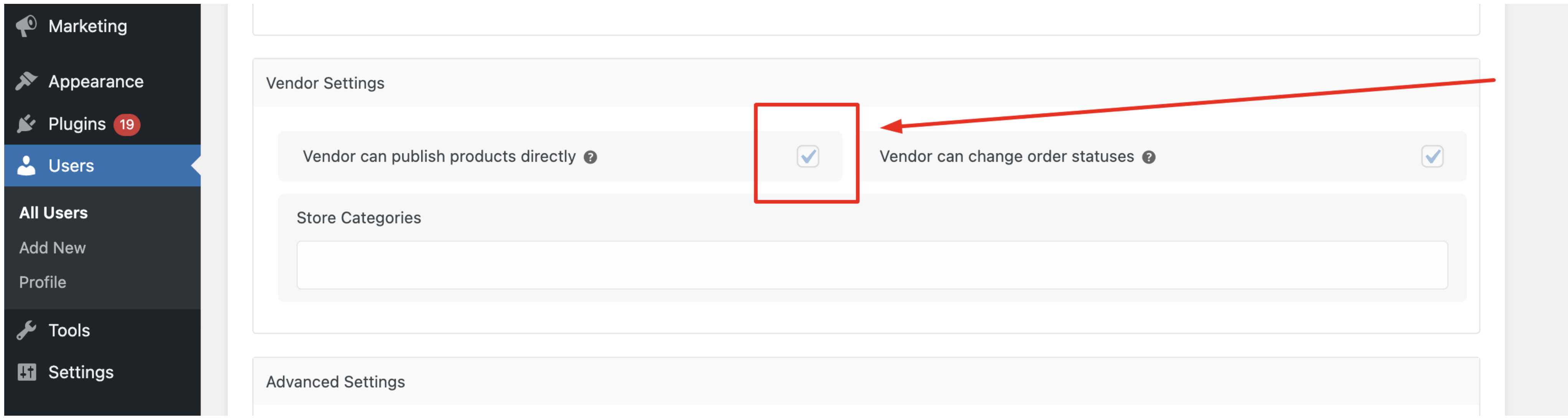
After a period of time, once a vendor has gained your trust, you can enable the following setting on the vendor's profile page to allow them to publish products directly:
One issue that may come up is how to view changes to product titles and descriptions when a product is modified by a vendor.
A way to do this is to install the following plugin: WP Revision Master
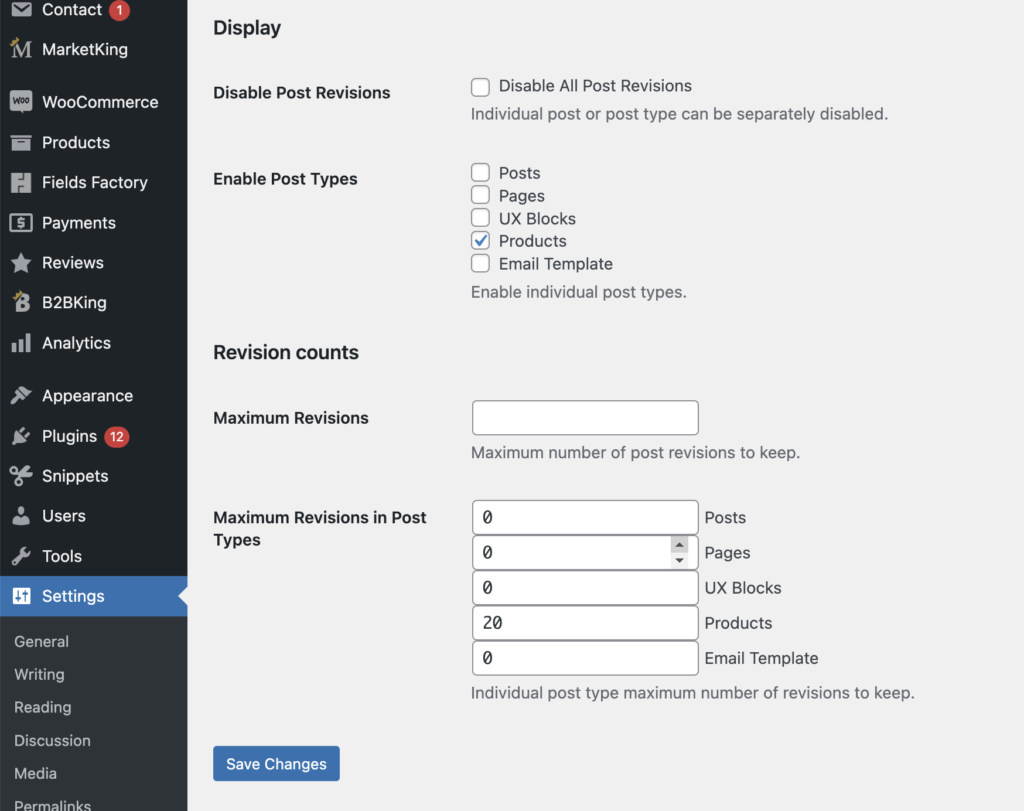
After installing it, go to Settings -> Revision Settings, enable "Products", and set a maximum limit of 10 or 20 revisions:
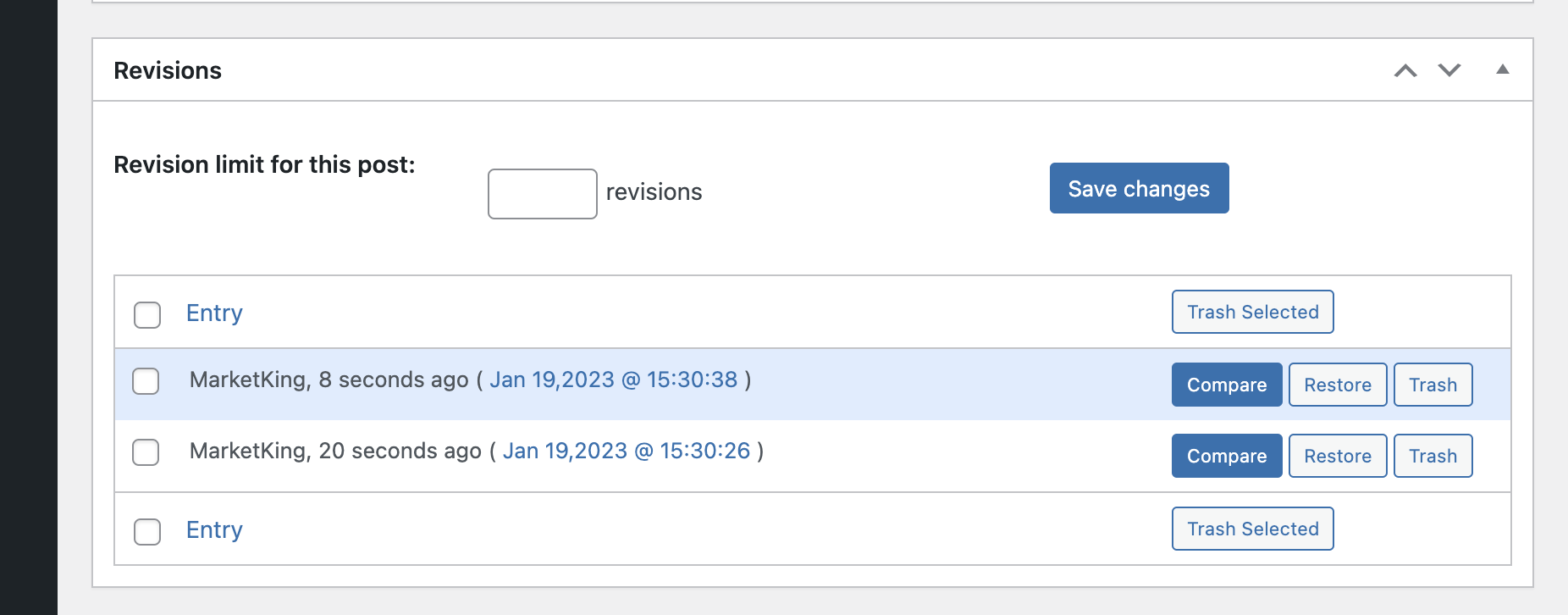
When editing a product, you will then be able to see a revisions box:
If you click on Compare, you can see differences in titles and descriptions between versions:
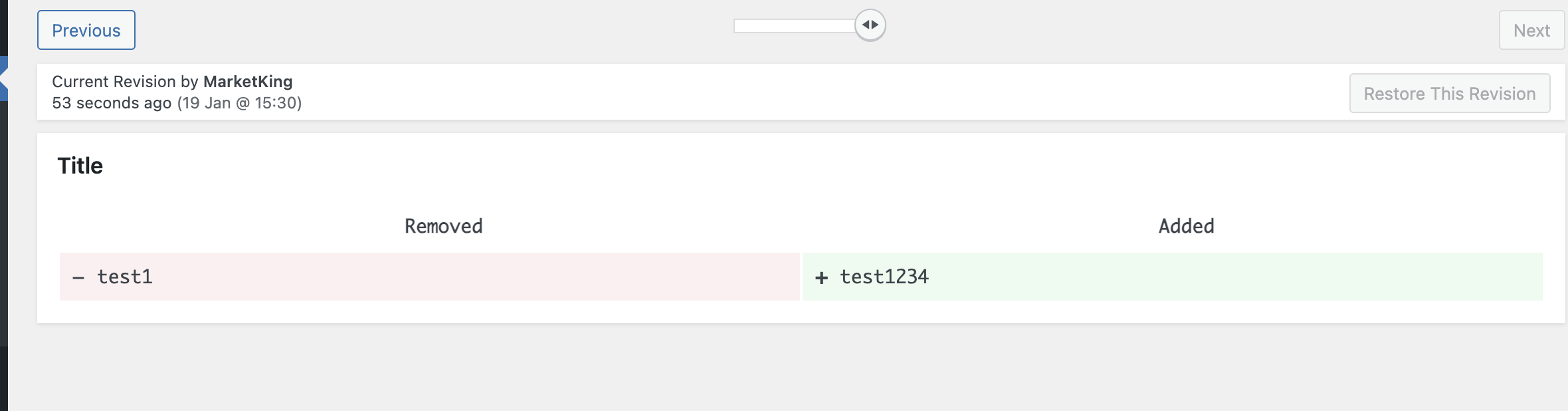
(Here the title was changed from "test1" to "test1234".)